


Set an RSVP date
Ask for replies a week before the party so you can confirm pizza and goodie-bag numbers.
Occasions / Kids’ birthday with RSVP
The hard part of a kids’ party isn’t the cake, it’s chasing replies. Send one link to the class group chat and watch Yes, Maybe, and No answers come in, with kid and adult counts.
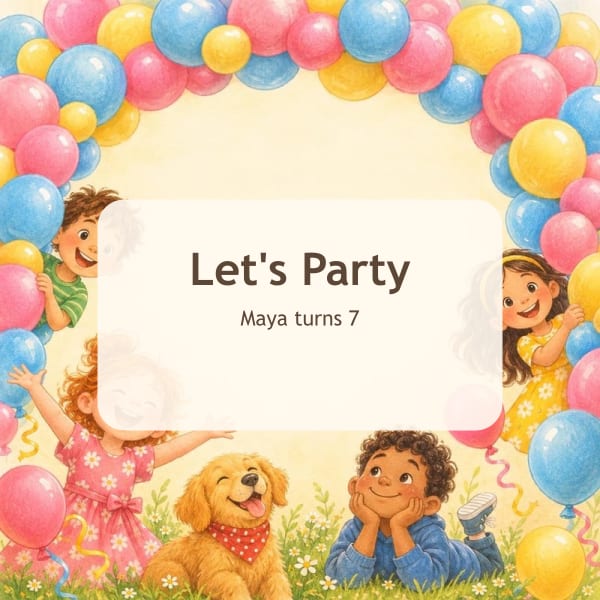
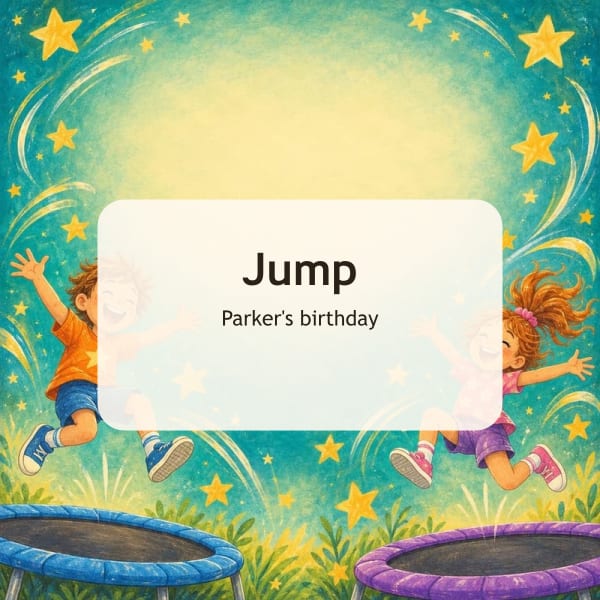
Tap an idea to see three original designs drawn from it. You can change every word afterward.
Class party
Ava is turning 6 and would love for your little one to join her mermaid party! Parents are welcome to stay.
Drop-off
Drop-off party! Join us for Noah’s 9th birthday soccer match. Pickup at 4:30, snacks and cake included.
Siblings welcome
Bring the whole crew. Siblings are welcome at Mia’s space-themed 8th birthday. Let us know how many are coming!
Ask for replies a week before the party so you can confirm pizza and goodie-bag numbers.
Turn on adults vs kids tracking. Parents tell you how many of each are coming in one step.
For class invites you can hide who’s coming from other guests while you still see every reply.
A day-before reminder is set up automatically when you add a date.
They tap the link you texted or emailed, pick Yes, Maybe, or No, and add a note. No account or app needed.
Yes. Their reply is remembered on their phone, so opening the link again lets them update it.
Add guests to your list and the dashboard shows who’s coming, who can’t, and who hasn’t answered yet.